Make a coloring page
Choose an image and it becomes black outlines on white paper, ready to print. Everything runs on your device — the picture is never uploaded.
Choose an image to turn into a coloring page
Drag a picture here, or pick one from your device. PNG, JPEG, and WebP files work.
There is no upload endpoint. Your picture is converted in this tab, because there is no server here that could receive it.
What comes out
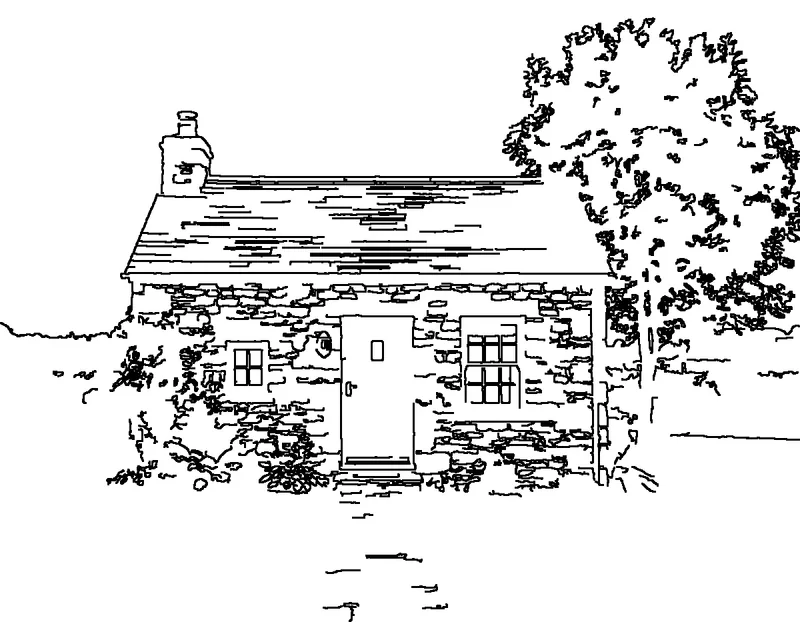
Edge detection finds the boundaries in your picture and draws them as black lines on white, scaled to fit A4 or US Letter inside a printer margin. No shading, no grey, nothing added that you did not photograph.
Getting a good result
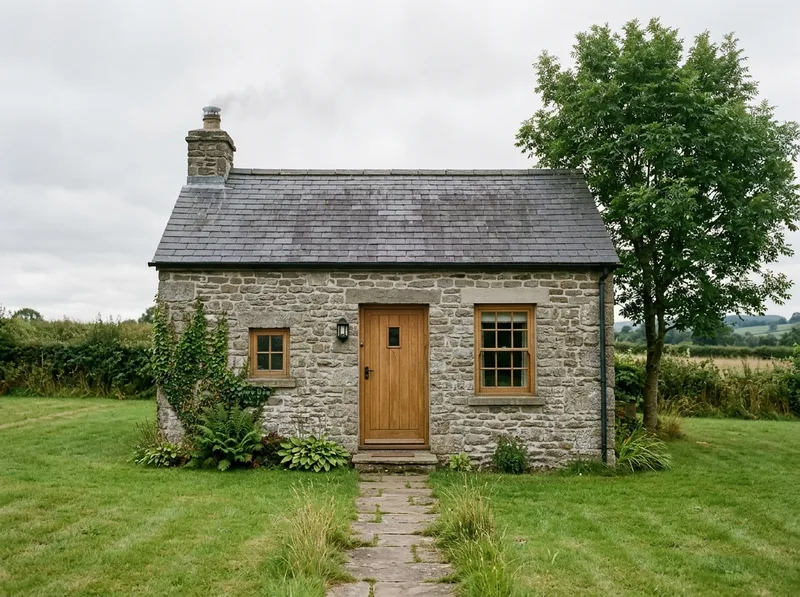
Edge detection responds to contrast, so the qualities that make a photograph easy to read also make it convert well: a clear subject, even lighting, and a background that is not competing for attention.
- Start at Medium detail. If the result looks like static, drop to Low. If it looks empty, go to High.
- Match thickness to the colourist. Thick lines suit young children and crayons; thin lines hold more detail for older hands and fine pens.
- Try both styles. Outline traces clean boundaries. Sketch keeps more of the shading, which suits portraits and textured subjects but uses more ink.
- Crop before you convert. Trimming to the subject in your usual photo app removes background clutter before it can turn into stray lines.
The guide to printing coloring pages at home covers what to do once you have a file you like.
What happens to your image
No upload endpoint, no database, no server-side image processing. This site is a collection of static files, so there is no mechanism by which your picture could reach us even in principle.
The adverts and visitor counter on this page come from Google and set cookies, but they are told nothing about the conversion — not the image, not the settings, not the download. The full detail is in the privacy policy.
One thing that is your responsibility: use images you own or have permission to use. Converting a picture into outlines can create a derivative work, and the original creator's rights are unaffected by the conversion.
Frequently asked questions
Where is my image processed?
In this browser tab, on your own device. The picture is decoded, converted to outlines, and turned into a PDF without any part of it being sent over the network.
Why did an image address fail to load?
Websites decide whether other sites may read their images. When a site declines, your browser blocks the read and there is nothing this tool can do about it without routing your image through a server, which would defeat the point. Saving the picture to your device and choosing it here always works.
What happens when I close the tab?
Everything disappears. The image, the preview, and the generated file live in this tab's memory only. Nothing is written to storage, and there is no history to clear.
Which file formats can I use?
PNG, JPEG, and WebP images up to 25 MB. You can download the finished page as a PDF sized for A4 or US Letter, or as a PNG.
Keep reading
-
Turning photos into coloring pages
Settings that work for faces, pets, and landscapes, and which photos to avoid.
-
The Chrome extension
Right-click any image on the web and open it here, ready to convert.
-
Classroom worksheets
Making printable activities from your own teaching images, without uploading anything.